
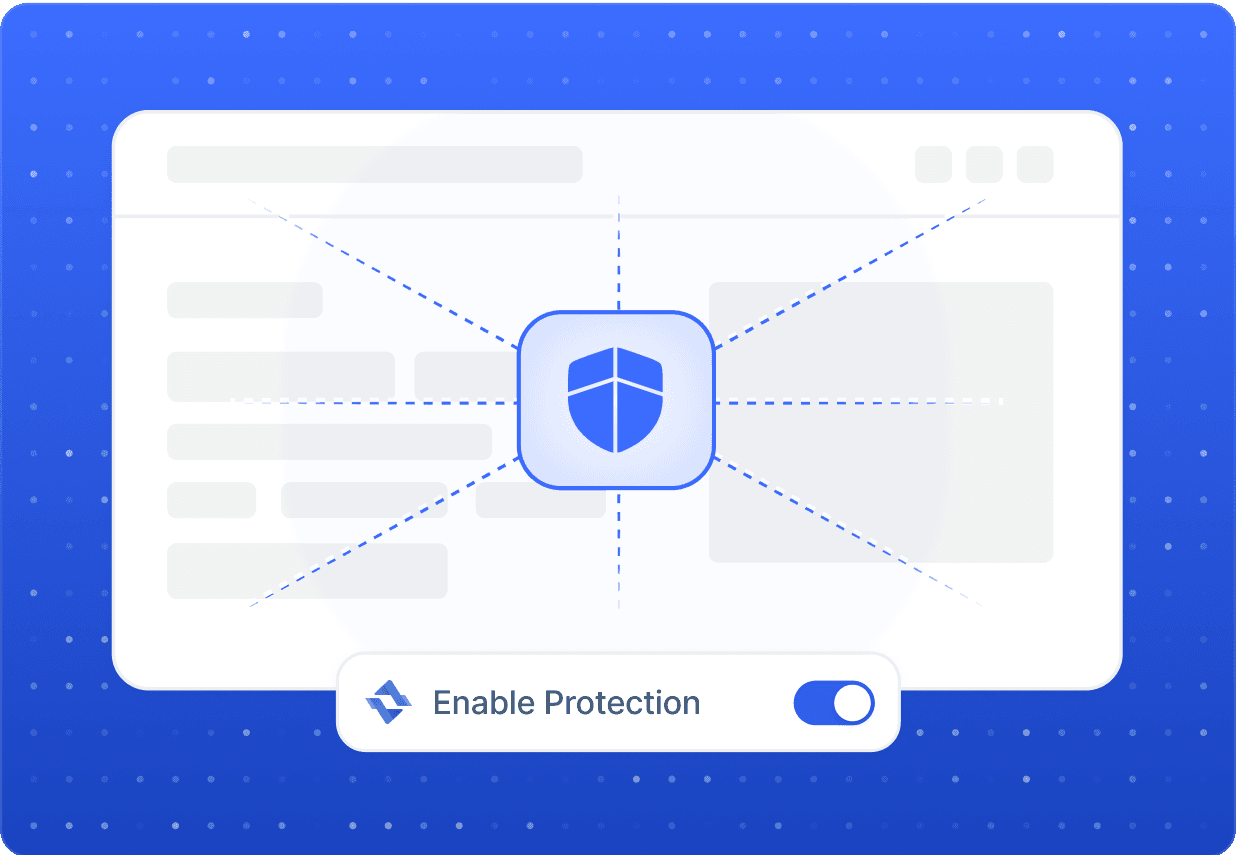
Firefox already gives you granular control over trackers and telemetry. Pairing it with Evomi residential proxies adds another layer: your real IP stays hidden behind genuine consumer addresses. Whether you set a system-wide proxy or use Firefox's built-in network settings, your session looks like an ordinary visitor, helping you research competitors and gather public information without exposing your home network.
Mozilla Firefox Proxies for Smarter, Private Browsing
Connect Firefox to Evomi residential proxies to research markets, verify ads, and collect publicly available data while keeping your traffic private and in line with each site's terms.
Money Back Guarantee Superior Support
Trusted by brands worldwide














Privacy
Keep Your Firefox Browsing Private by Default
Geo Access
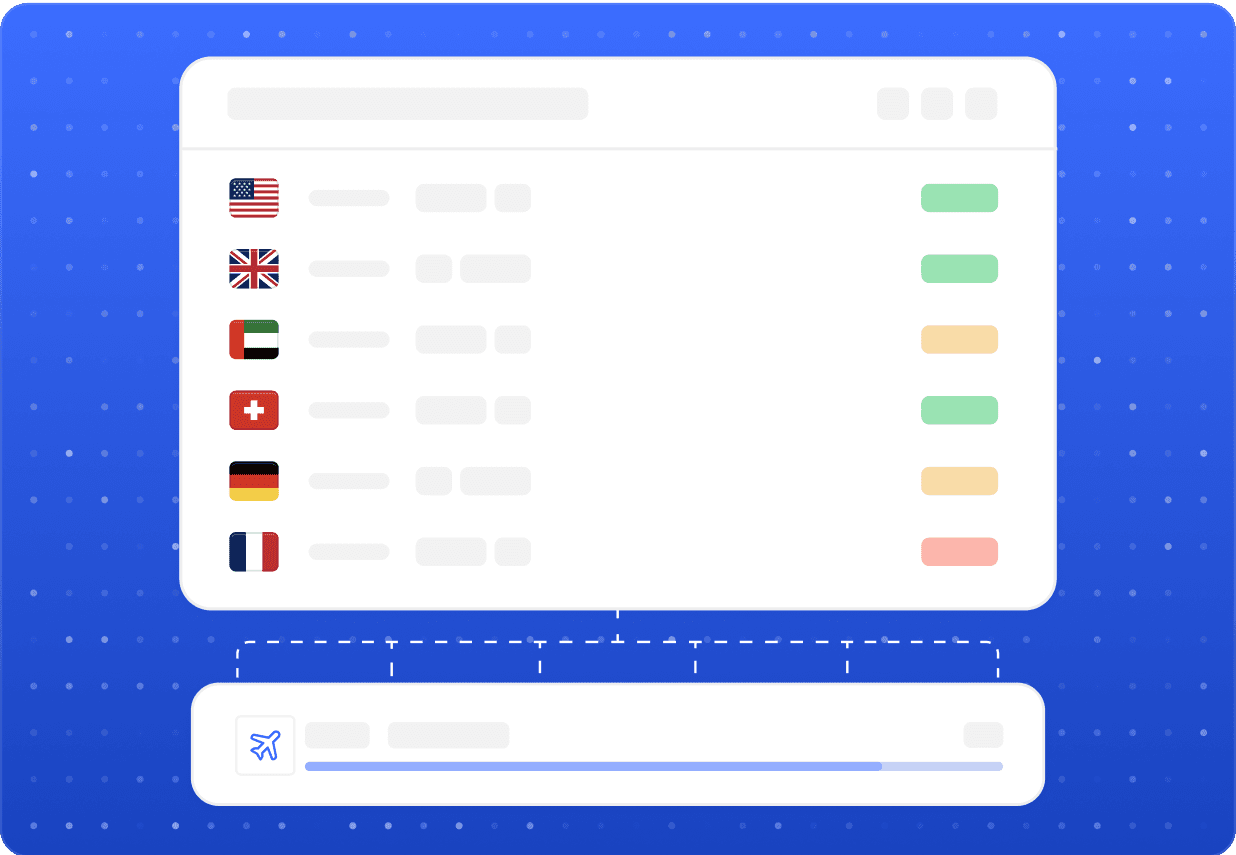
Test Localized Sites and Reach Region-Specific Content
Use Firefox profiles plus Evomi proxies to load a website exactly as a user in another country would see it. This is ideal for QA teams checking translations, marketers verifying that ad campaigns render correctly per region, and analysts reviewing geo-restricted public pages. Switch between countries to confirm pricing, layout, and content all behave as intended across markets.

Sub-second responses
Evomi's proxies answer Firefox requests in sub-second times, so pages and tabs load without noticeable lag.

Reliable connections
Stable, high-uptime routing keeps your Firefox sessions and data collection running smoothly across long tasks.
Our Products
The perfect product for Mozilla Firefox
Best for this Use Case

Residential Proxies
Starting from$0.49/GB
Buy Now- Smooth, Reliable Browsing
- Higher Success Rates
- Compatible With Popular Sites
- Global Location Coverage
- Free Geo Targeting

Mobile Proxies
Starting from$2.20/GB
Buy Now- Utilize Real Mobile Devices
- Guaranteed Mobile Connection
- Compatible With Popular Sites
- Global Location Coverage
- Large Collection of Carriers

Datacenter Proxies
Starting from$0.30/GB
Buy Now- Highly Scalable
- High Reliability and Uptime
- Fast and Stable Speeds
- Free Geo Targeting
- Unlimited Concurrent Sessions

Static ISP Proxies
Starting from$1.00/IP
Buy Now- Supports SOCKS5(UDP) / HTTP
- Non-Expiring Sessions
- Unlimited Bandwidth
- Fast and Stable Speeds
- High Concurrency
FAQ
Mozilla Firefox Proxies: Common Questions
Open Settings, scroll to Network Settings, and choose Manual proxy configuration. Enter the Evomi host and port, add your authentication, and apply. Firefox routes its traffic through the proxy independently of your system settings, which is handy for keeping a dedicated profile for research.
Related
Other proxy use cases
 Multilogin ProxiesGive every Multilogin profile a stable, location-accurate residential IPLearn more
 Nebula ProxiesWhat Evomi proxies let you do with Nebula's public-facing content and pagesLearn more
 Opera Browser ProxiesRoute Opera Browser through real residential IPs for testing, research, and verificationLearn more
 Pandora ProxiesWhat you can do with Pandora proxies: localization QA, ad verification, and market researchLearn more
 Proxychains ProxiesWhat Evomi residential proxies unlock when paired with Proxychains on LinuxLearn more
 Puffin ProxiesRoute Puffin sessions through real residential IPs for testing, research, and global accessLearn more