
Opera's built-in proxy support and clean profile management make it a practical workspace for regional testing. Connect through Evomi residential IPs to load publicly available pages, language variants, currency formats, and ad placements exactly as a visitor in a given city or country would. It is a straightforward way to catch broken redirects, mistranslated strings, or campaigns that aren't serving correctly abroad.
Opera Browser Proxies for Smarter, Location-Aware Browsing
Pair Opera with Evomi residential IPs to view how public pages render in different regions, run localization checks, and verify ads and pricing from real consumer connections.
Money Back Guarantee Superior Support
Trusted by brands worldwide














Localization QA
See Your Sites and Ads the Way Local Users Do
Market Research
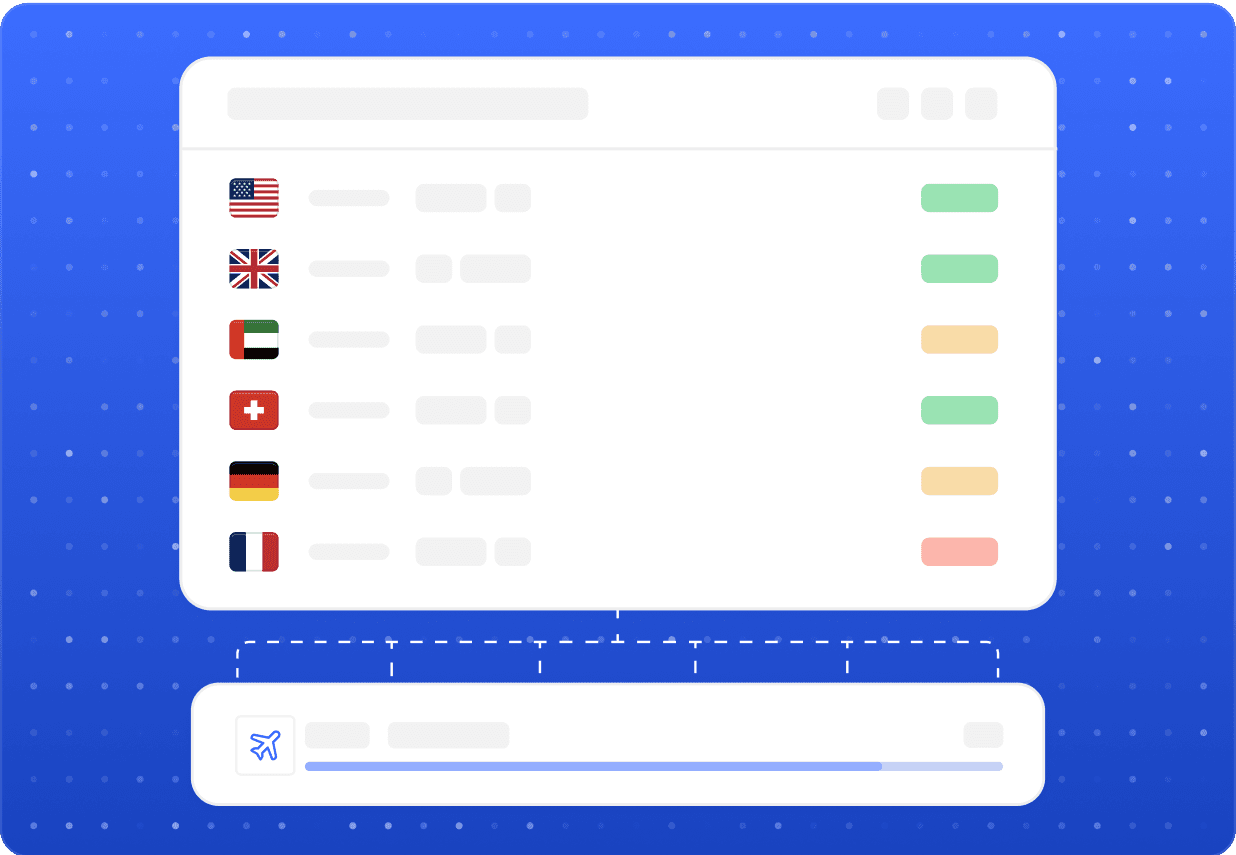
Collect Public Data and Verify Listings Across Regions
Use Opera with separate profiles to gather publicly accessible information, compare search results, and confirm that storefront prices and promotions match what each market sees. Working in line with each platform's terms of service, residential routing lets you check competitor pages, regional availability, and geo-restricted public content without juggling VPNs or constantly switching machines.

Sub-second speeds
Evomi's residential network responds in well under a second, so pages load smoothly inside Opera.

Reliable connections
Stable, ethically sourced IPs keep your Opera sessions consistent throughout long research or QA work.
Our Products
The perfect product for Opera Browser
Best for this Use Case

Residential Proxies
Starting from$0.49/GB
Buy Now- Smooth, Reliable Browsing
- Higher Success Rates
- Compatible With Popular Sites
- Global Location Coverage
- Free Geo Targeting

Mobile Proxies
Starting from$2.20/GB
Buy Now- Utilize Real Mobile Devices
- Guaranteed Mobile Connection
- Compatible With Popular Sites
- Global Location Coverage
- Large Collection of Carriers

Datacenter Proxies
Starting from$0.30/GB
Buy Now- Highly Scalable
- High Reliability and Uptime
- Fast and Stable Speeds
- Free Geo Targeting
- Unlimited Concurrent Sessions

Static ISP Proxies
Starting from$1.00/IP
Buy Now- Supports SOCKS5(UDP) / HTTP
- Non-Expiring Sessions
- Unlimited Bandwidth
- Fast and Stable Speeds
- High Concurrency
FAQ
Opera Browser Proxies: Common Questions
Open Opera's settings, search for the proxy or system network options, and enter the Evomi host, port, and credentials from your dashboard. Opera respects the system proxy on most platforms, and you can also assign different IPs per profile for cleaner, separated testing sessions.
Related
Other proxy use cases
 Pandora ProxiesWhat you can do with Pandora proxies: localization QA, ad verification, and market researchLearn more
 Proxychains ProxiesWhat Evomi residential proxies unlock when paired with Proxychains on LinuxLearn more
 Puffin ProxiesRoute Puffin sessions through real residential IPs for testing, research, and global accessLearn more
 Quicken ProxiesVerify Quicken pricing, localized pages and public product data across regionsLearn moreShadowrocket ProxiesPair Shadowrocket with mobile IPs for testing, research, and global accessLearn more
 Skrill ProxiesLocalization testing, market research, and brand verification for Skrill payment pagesLearn more