
When you mirror a site with wget --mirror or pull thousands of public files in a loop, hammering a server from one address quickly trips per-IP rate limits. Pairing Wget with Evomi's rotating residential pool spreads requests across many real consumer IPs, so recursive downloads stay polite and continuous. Set your proxy through the http_proxy environment variable or wgetrc and keep retrieval moving without overloading any single endpoint.
Residential Proxies for Wget Web Downloads
Route your Wget commands through real residential IPs to mirror sites, pull public files, and gather open data at scale, working in line with each site's terms of service.
Money Back Guarantee Superior Support
Trusted by brands worldwide














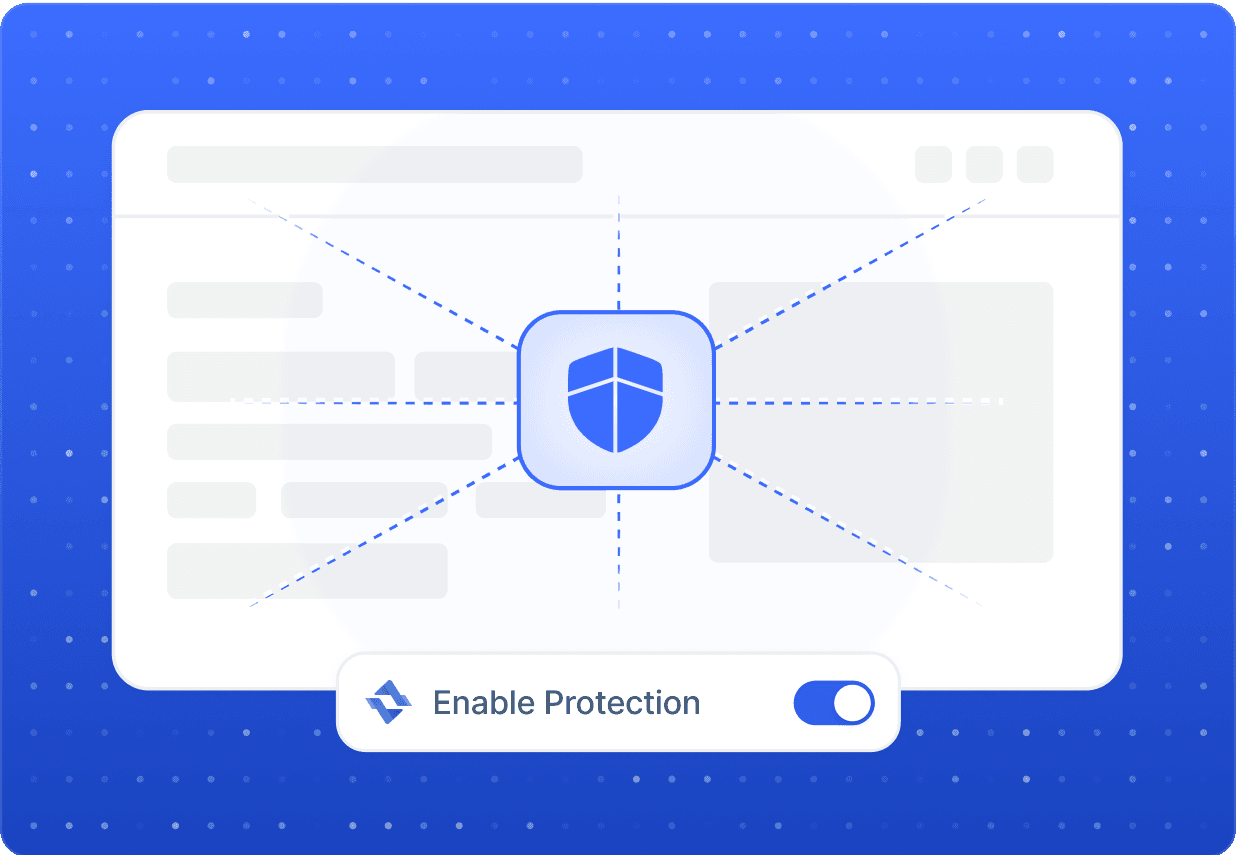
Steady Throughput
Spread Wget Requests Across Rotating IPs
Global Reach
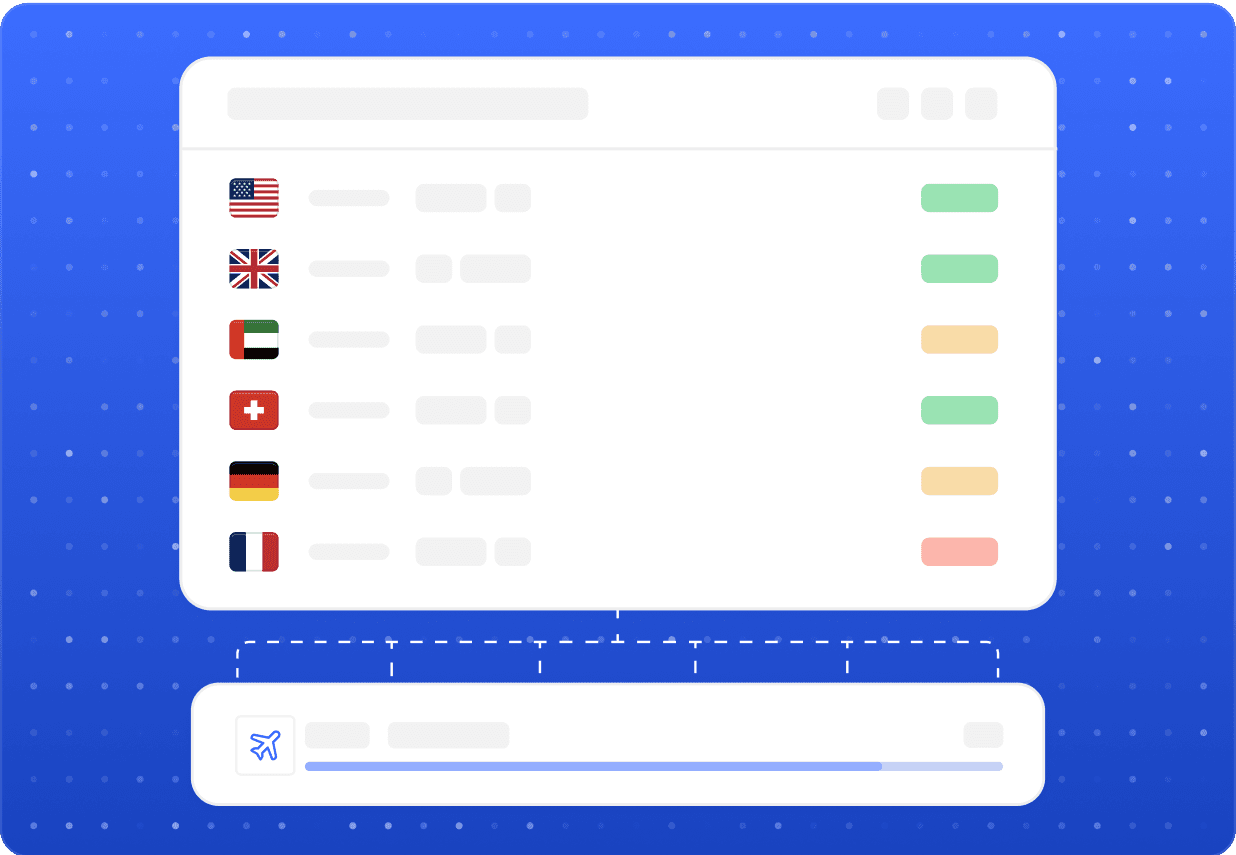
Fetch Region-Specific Public Pages with Wget
Public pages, localized catalogues, and regional asset bundles often differ by country. With residential exit nodes across many locations, you can point Wget at the same URL from different regions and capture how publicly available content varies. This is ideal for localization QA, price-display checks, and market research, letting you verify what real visitors in each market actually see.

Sub-second responses
Evomi's residential network answers in well under a second, keeping batched Wget downloads quick and responsive.

Reliable connections
Stable, high-uptime routes mean long recursive Wget jobs complete without dropped sessions or stalled transfers.
Our Products
The perfect product for Wget
Best for this Use Case

Residential Proxies
Starting from$0.49/GB
Buy Now- Smooth, Reliable Browsing
- Higher Success Rates
- Compatible With Popular Sites
- Global Location Coverage
- Free Geo Targeting

Mobile Proxies
Starting from$2.20/GB
Buy Now- Utilize Real Mobile Devices
- Guaranteed Mobile Connection
- Compatible With Popular Sites
- Global Location Coverage
- Large Collection of Carriers

Datacenter Proxies
Starting from$0.30/GB
Buy Now- Highly Scalable
- High Reliability and Uptime
- Fast and Stable Speeds
- Free Geo Targeting
- Unlimited Concurrent Sessions

Static ISP Proxies
Starting from$1.00/IP
Buy Now- Supports SOCKS5(UDP) / HTTP
- Non-Expiring Sessions
- Unlimited Bandwidth
- Fast and Stable Speeds
- High Concurrency
FAQ
Common questions about using proxies with Wget
Wget reads proxy settings from the http_proxy and https_proxy environment variables, or from your ~/.wgetrc file. Add your Evomi residential endpoint and credentials there, then run Wget normally. You can also pass -e use_proxy=yes -e http_proxy=... inline for a single command.
Related
Other data gathering proxy use cases
 Yelp ProxiesGather public Yelp listings, reviews, and local rankings at scaleLearn more
 Zillow ProxiesCollect public Zillow listings, price history, and local market trends across regionsLearn more
 Airbnb ProxiesGather public Airbnb pricing, availability, and market data across any regionLearn more
 Amazon MTurk ProxiesReliable residential IPs for MTurk research, QA testing, and localized task verificationLearn more
 Amazon ProxiesTrack prices, monitor listings, and verify Amazon storefronts across every regionLearn more
 Apify ProxiesPower Apify actors for price tracking, SERP research, brand monitoring and localized QALearn more