
Chromebooks lean heavily on cloud apps and constant connectivity, which means more of your activity touches the open web. Routing traffic through Evomi residential IPs keeps your real address out of the picture during market research, competitor monitoring, or everyday browsing. You configure the proxy directly in ChromeOS network settings or a Chrome extension, so there is nothing heavy to install on limited local storage.
Chromebook Proxies for Smarter, Region-Aware Browsing
Run residential proxies through your Chromebook's network settings or a browser extension to research publicly available data, verify localized content, and browse with added privacy.
Money Back Guarantee Superior Support
Trusted by brands worldwide














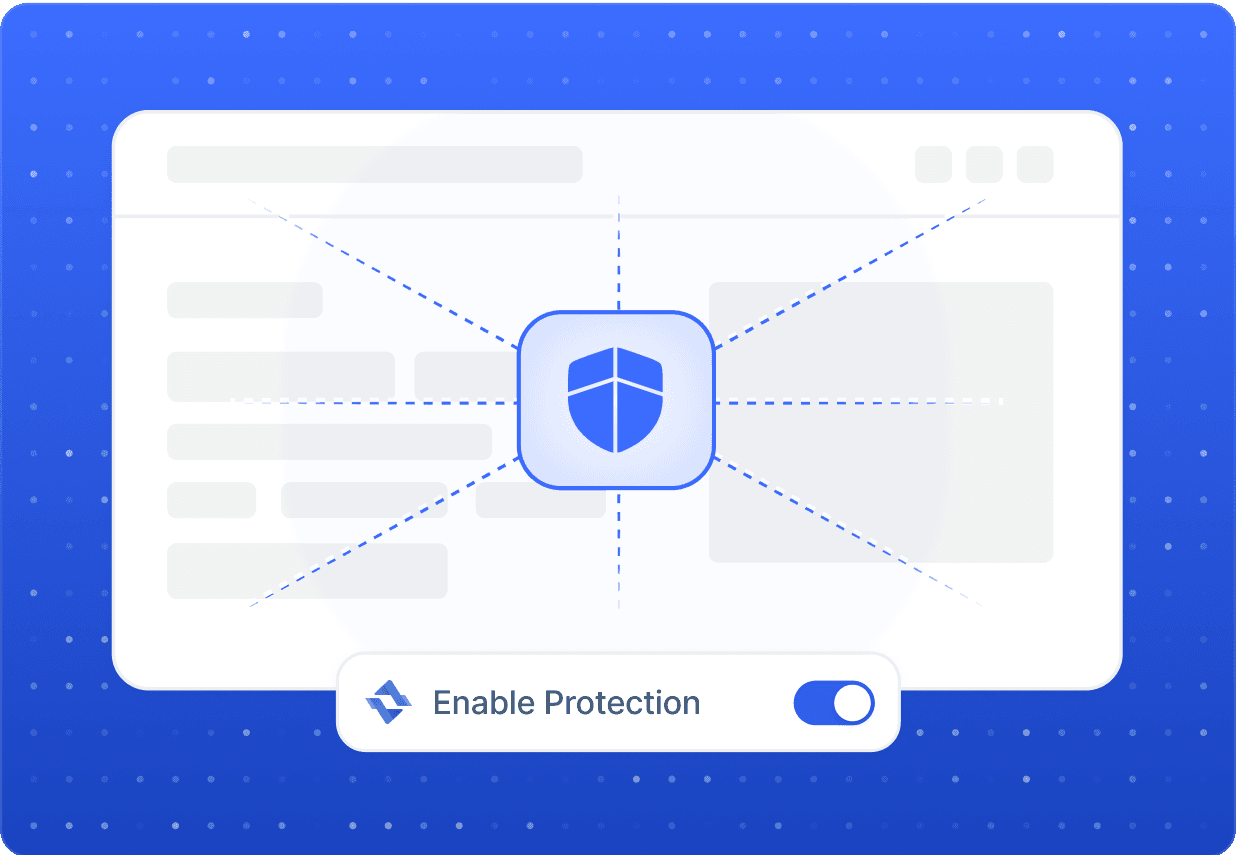
Privacy
Add a Privacy Layer to Lightweight ChromeOS Browsing
Localization
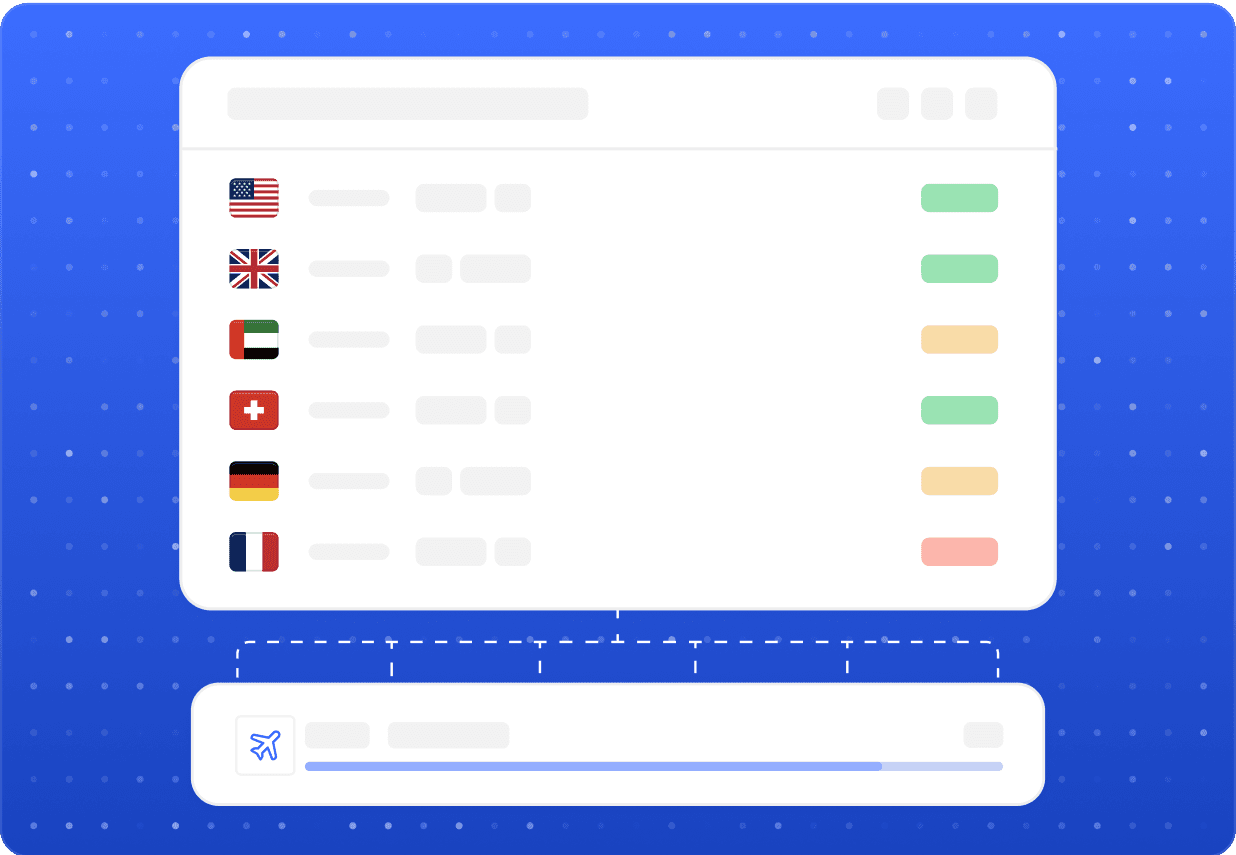
Test and View Region-Specific Public Content
If you build, localize, or QA web apps on a Chromebook, you need to see exactly what users in another country see. Evomi's network spans residential IPs in numerous regions, letting you load geo-targeted pages, check localized pricing and ad placements, and confirm that publicly accessible content renders correctly abroad. It is a practical way to verify your brand and campaigns across markets without leaving your desk.

Sub-second speeds
Evomi's optimized routing keeps page loads quick on ChromeOS, so cloud-first workflows stay responsive.

Reliable connections
Stable residential endpoints keep your Chromebook sessions consistent through long research and testing runs.
Our Products
The perfect product for Chromebook
Best for this Use Case

Residential Proxies
Starting from$0.49/GB
Buy Now- Smooth, Reliable Browsing
- Higher Success Rates
- Compatible With Popular Sites
- Global Location Coverage
- Free Geo Targeting

Mobile Proxies
Starting from$2.20/GB
Buy Now- Utilize Real Mobile Devices
- Guaranteed Mobile Connection
- Compatible With Popular Sites
- Global Location Coverage
- Large Collection of Carriers

Datacenter Proxies
Starting from$0.30/GB
Buy Now- Highly Scalable
- High Reliability and Uptime
- Fast and Stable Speeds
- Free Geo Targeting
- Unlimited Concurrent Sessions

Static ISP Proxies
Starting from$1.00/IP
Buy Now- Supports SOCKS5(UDP) / HTTP
- Non-Expiring Sessions
- Unlimited Bandwidth
- Fast and Stable Speeds
- High Concurrency
FAQ
Chromebook Proxy Questions, Answered
Open ChromeOS Settings, go to your Wi-Fi or wired network, expand Proxy, and enter Evomi's host, port, and credentials manually. You can also use a Chrome proxy extension if you prefer per-browser control rather than a system-wide setup.
Related
Other proxy use cases
 Crave ProxiesStream, verify and QA-test Crave's Canadian library with stable Canadian IP addressesLearn more
 Crunchyroll ProxiesCompare regional catalogues, verify ads, and test localization on CrunchyrollLearn more
 DAZN ProxiesVerify DAZN catalogues, ad placements, and regional pricing across marketsLearn more
 Dropbox ProxiesManage business accounts, verify shared links, and test Dropbox across regionsLearn more
 Duolingo ProxiesWhat Evomi residential proxies let you do with Duolingo research and QA testingLearn more
 Etisalat ProxiesVerify Etisalat pricing, localized offers, and public content from a UAE perspectiveLearn more